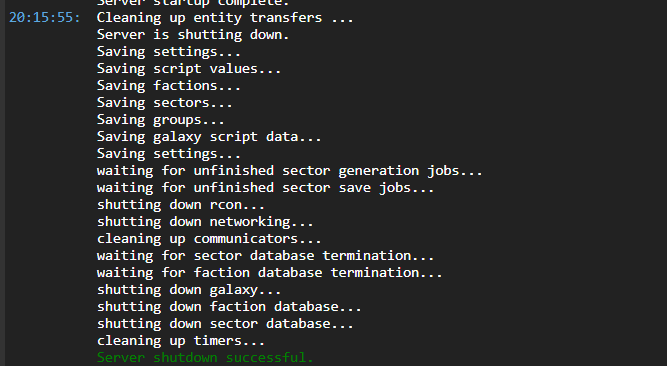
The game avorion updated today so I attempted to update the server, I stopped it, clicked update, at which point I was prompted to put in my steam credentials. I put in my steam credentials, the box disappears, and the reappears.
I use a password manager so it wasn’t a wrong password, but to be safe I then reset my password, and even disabled steam guard to ensure it wasn’t 2FA issue.
Still no success thusfar.
Steps to reproduce:
Stop avorion server
Click “Update”
Prompted to enter steam login
Enter Login info
Box reappers with no change
Either the Avorion devs have borked the steam update, or steam is being steam, try deleting the steamapps directory in the instance file manager, then update again
Same problem here, but with windows 11 pro, Avorion doesn’t let me install mods because I need to input steam credential (I’m using mine, as I own the game and I tried disabling Steam Guard too), the popup disappear and the appear again with the same credential asked. Instance’s console doesn’t even register the login attempt, it shows nothing aside me booting the server.