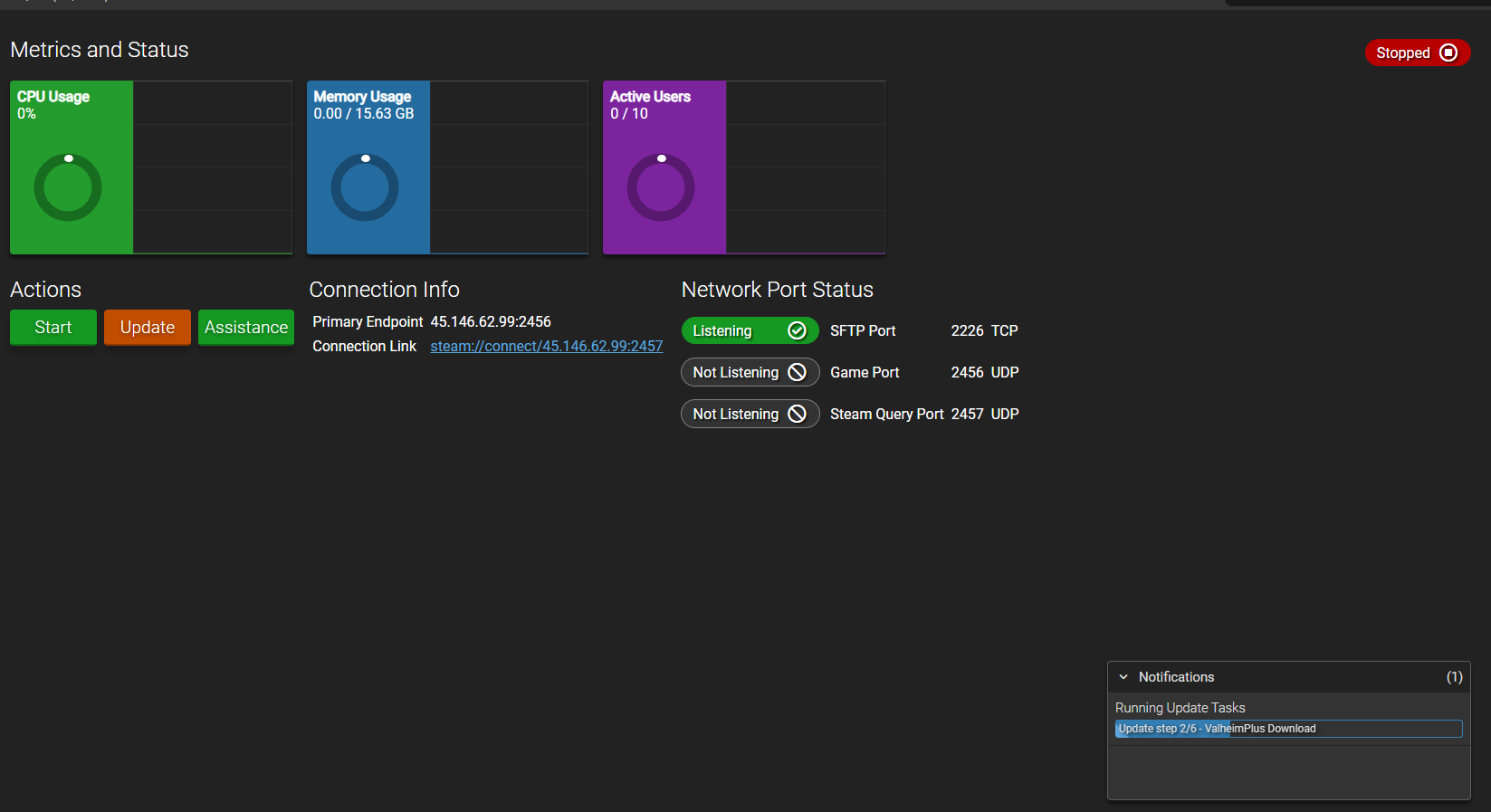
Hi, Im having a problem with running a valheim server whenever i make one it says its installing the game and then when its done i go and press the start button but then it starts saying stuff like “installing bepin” and “installing valheim +” when i hadn’t put them on in the settings. but before it can finish it just tells me its unable to run and on the instance page it just says error on it. from the console side nothing comes up in there at all so Im even more confused because it means i have nothing to show as an error.
Going from memory here…Under configuration, valheim plus, server tab, at the top you have the switch for valheim plus enabled. Turn it of and try another update.
Sadly didnt work. when i checked it was already turned off so i tried doing it with it on and still same result. this is what it looks like when i press start it does the download at the bottom and finishes it quickly and then says stopping at the top right and after that just says “unable to run”. nothing in the console.
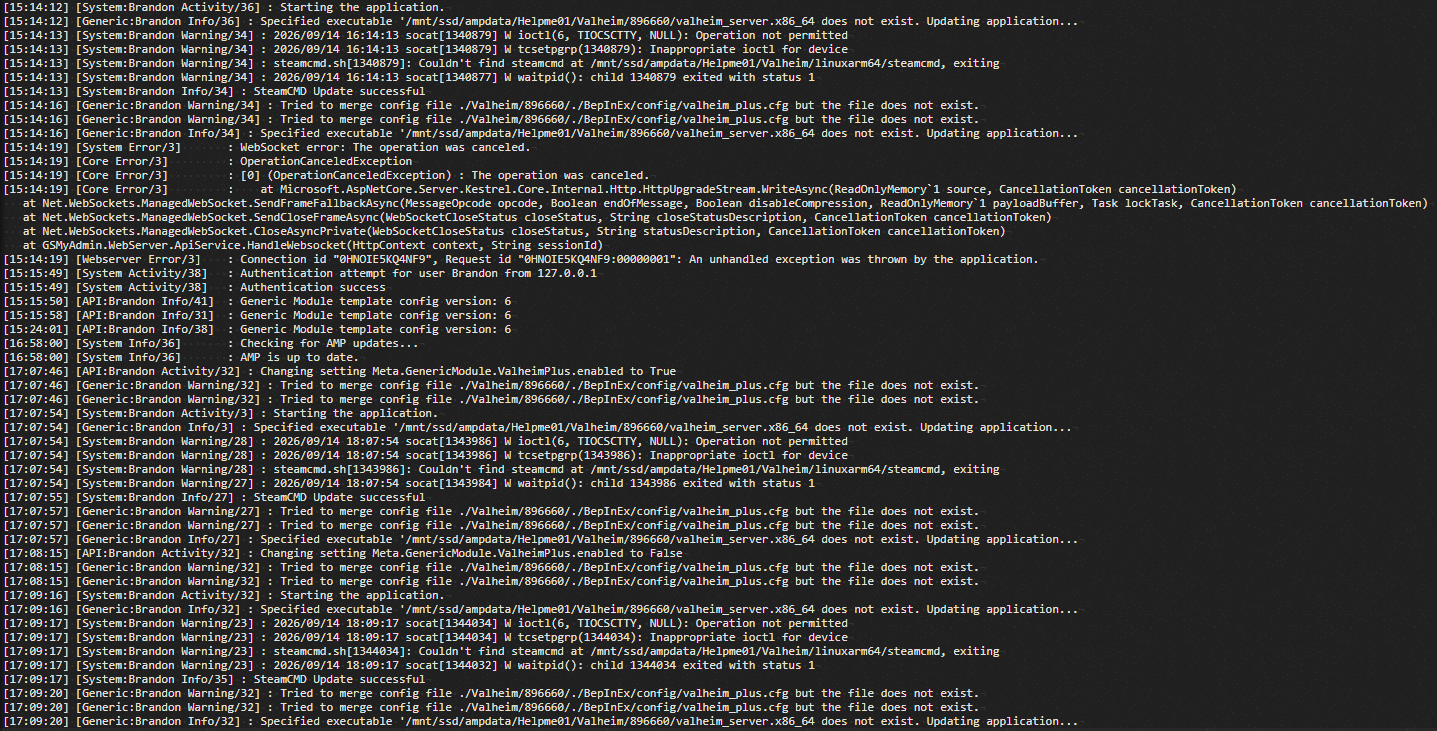
this is what i found in there. cant really make out the problem than it saying file does not exist for some stuff but i haven’t even used this before so it should have everything?