System Information
| Field |
Value |
| Operating System |
Windows - Windows Server 2025 on x86_64 |
| Product |
AMP ‘Phobos’ v2.6.5.2 (Mainline) |
| Virtualization |
Xen |
| Application |
Garry’s Mod (64 Bit) |
| Module |
GenericModule |
| Running in Container |
No |
| Current State |
Starting |
Problem Description
Issue
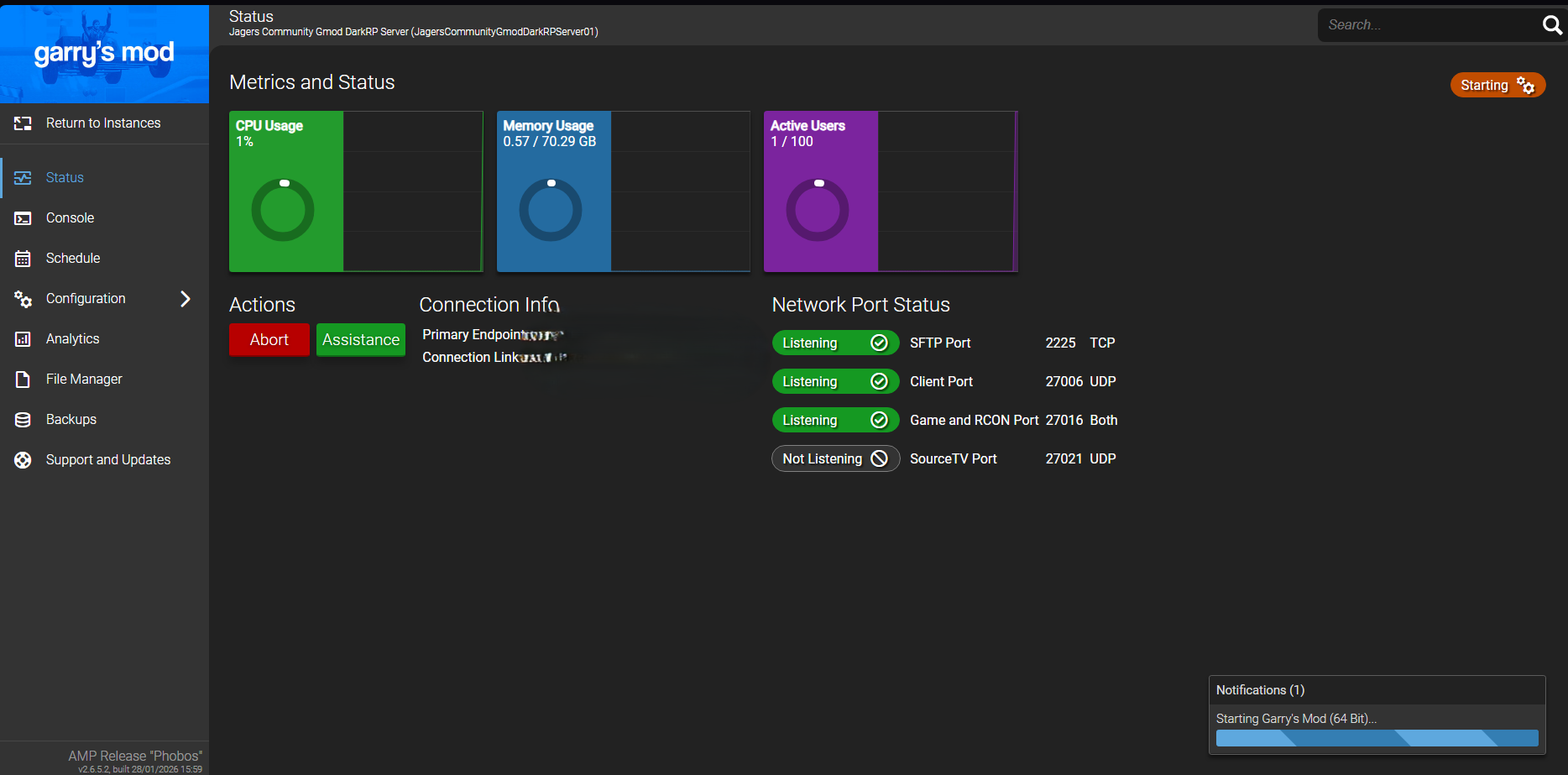
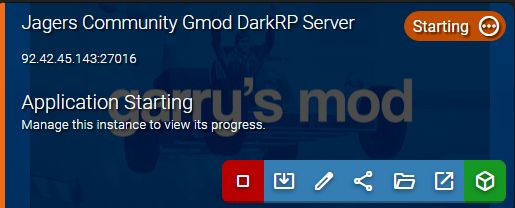
Server boots up and allows players to connect just fine not sure whats going on everything looks fine all i did was add a rcon password
Reproduction Steps
“add a rcon password” is the issue
AMP relies on connecting to RCON to know the server is started
So it has to control that password. If you add one yourself, AMP doesn’t know it and so can’t connect, so the server stays as “Starting”
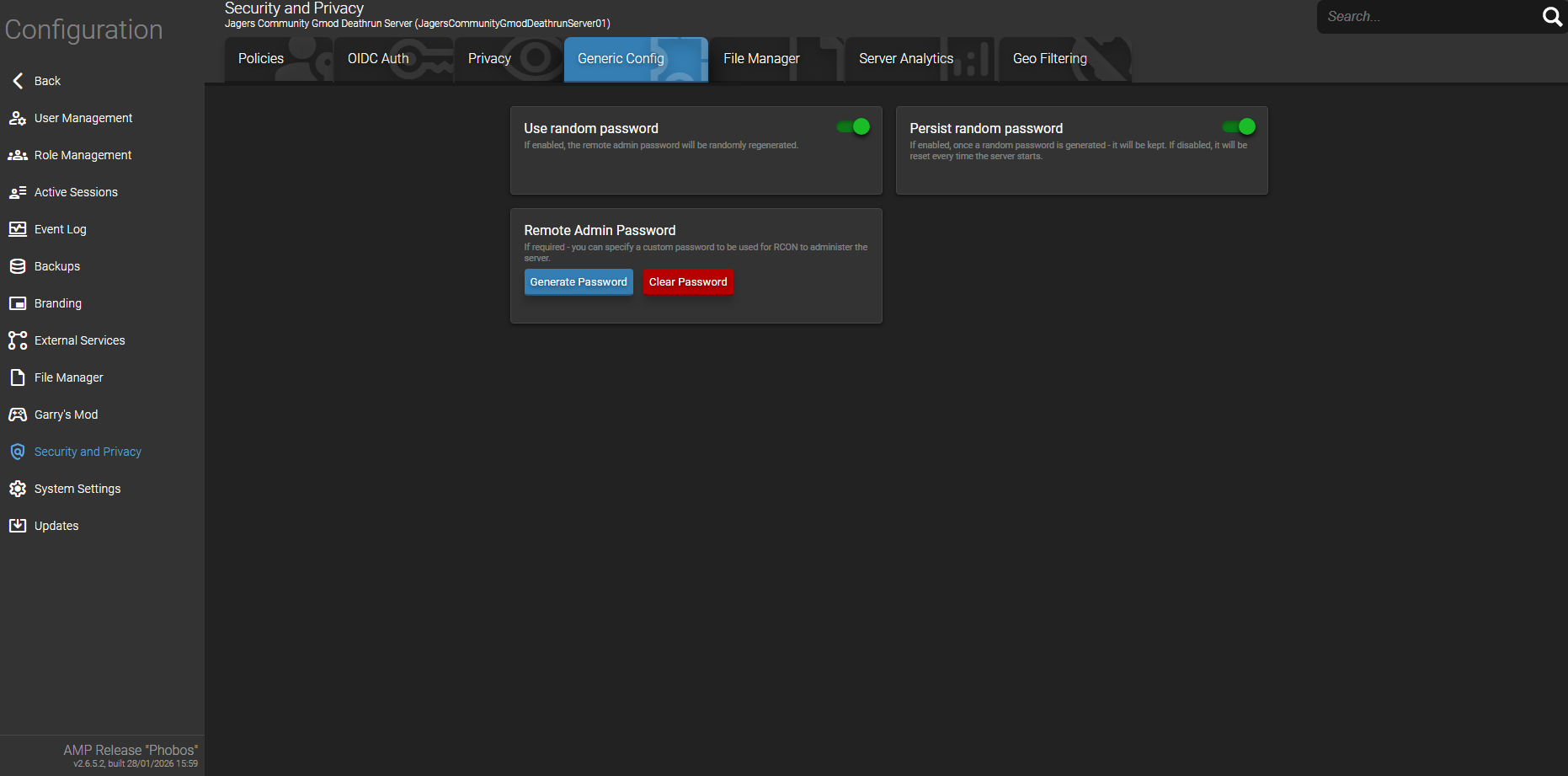
Remove what you added, search for “user-defined passwords” and “remote admin password” to set your own RCON password in the panel, so that AMP knows it
This only happens when i use the amps auto generate password and as you stated i can’t add one manually due to amp needs to know it i think it’s a bug due to when i click clear password it works fine but when there is a password in rcon it doesn’t work properly
Are you connecting to the panel via https or over localhost?
i don’t know how to connect to it using https but im using http and using it local by opening the desktop link and also i use the panel on my main computer sometimes outside the network by using the http link
If not using https, you can only generate a new password when browsing on the same machine via http://localhost:8080
This is a browser privacy restriction
thats what i been doing but when doing so it stays stuck saying the starting state when its actually started and allows players to connect - when i generate a rcon admin password but when i clear the password and have no password set it fixes this problem
When you clear the password, AMP auto-generates a new one on start of the server