When restarting AMP, it shuts down rather than restarting.
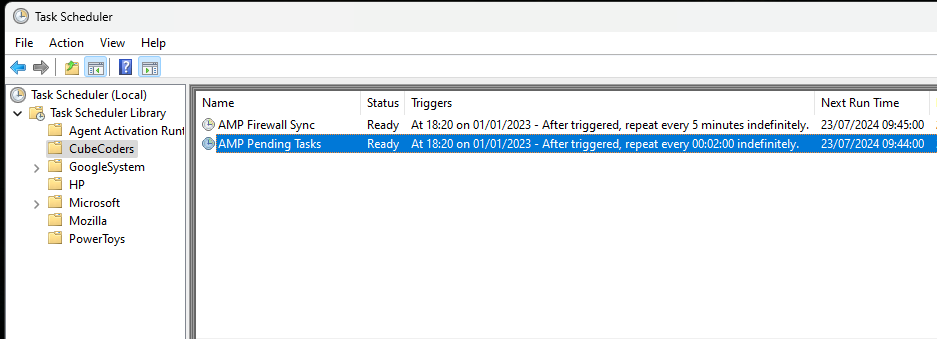
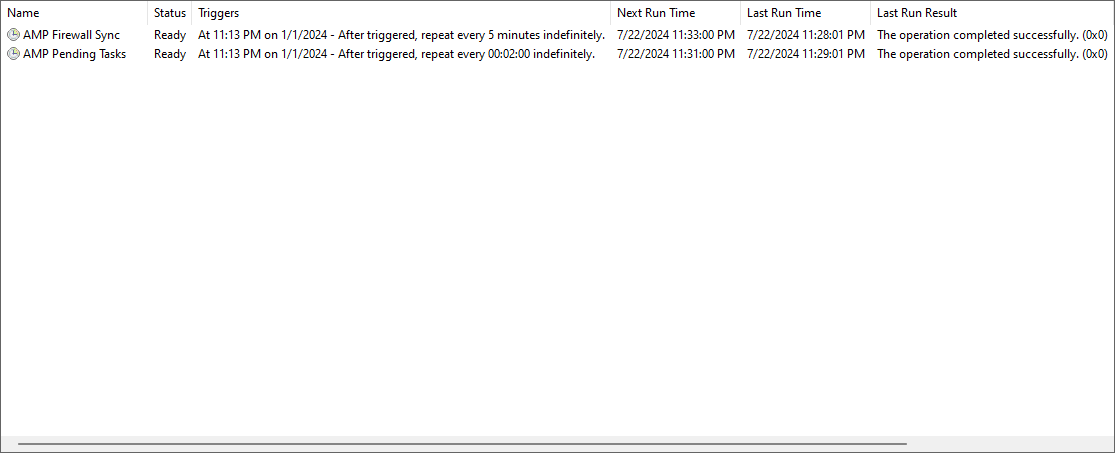
In Task Manager, AMP Service Handler seems to end and not come back after restarting, making me manually open up AMP Instance Manager from the start menu or run “ampinstmgr quickstart” from the command prompt.
Reproduction Steps
Go to Support and Updates
Scroll down to “Restart this AMP instance” and initiate a restart.
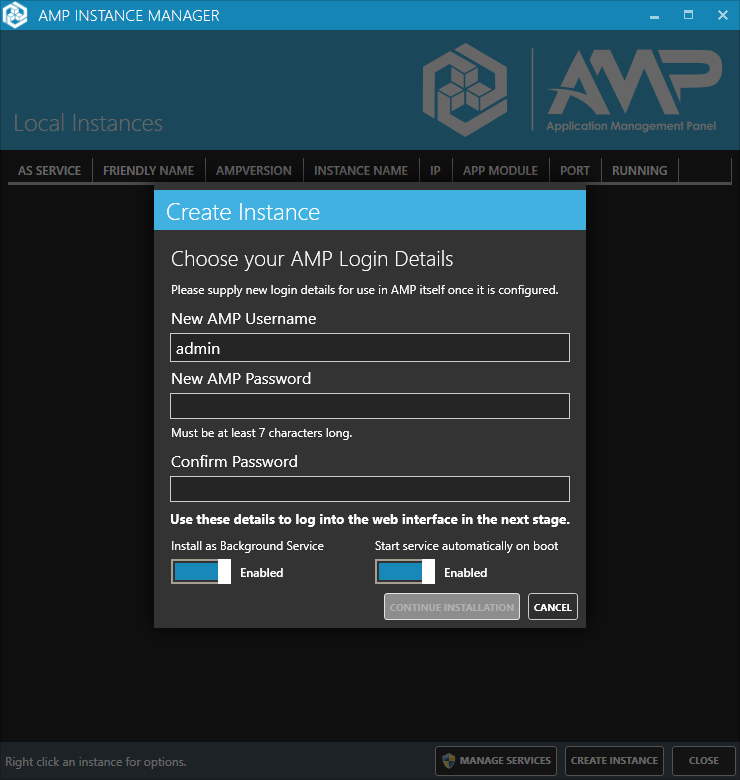
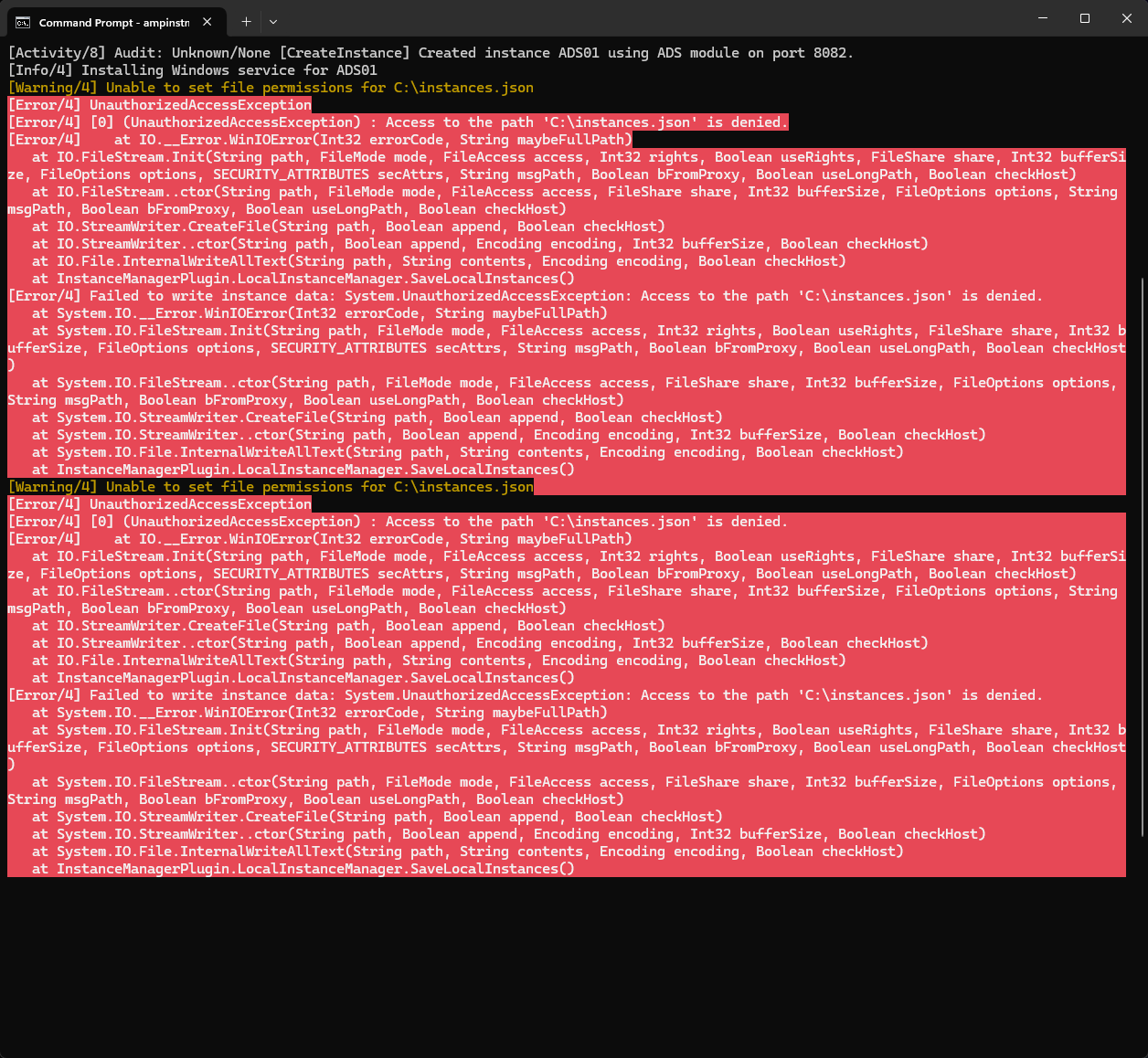
I forgot to mention that I did reinstall AMP and reboot my pc with everything I needed backed up numerous times. I imported my servers after an installation finally worked (since every installation before had something going wrong) and tried to reboot AMP. Now when I resort to my troubleshooting methods which I listed in the original post, AMP Instance Manager opens with the installer prompt every time regardless of setting up AMP Login Details and the command prompt provides an error when I do ampinstmgr quickstart.