I’m looking to schedule a backup and restart my server instance under specific conditions, I have the option to action a task “If condition is met” - but I can’t find any documentation on what variables I am supposed to use in the “Value to compare” field. For example:
IF the instance {@Uptime} is greater than 12 hours, THEN shut down, take a backup, and restart.
I would specifically like to know what options are available for the “ValueToCheck” field? Am I putting “12h” “0:12:00:00” or something else? What are valid options to use?
Is there a “cheat sheet” of any kind that for X variable there are Y possible outputs to check against or use? It’d be handy to know the formats I can use for all of them e.g. what are the available {@State}s to check against, is {@RamUsage} in GB or MB for example.
I did have a good look around in the Documentation but couldn’t find anything.
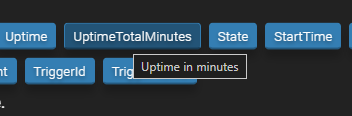
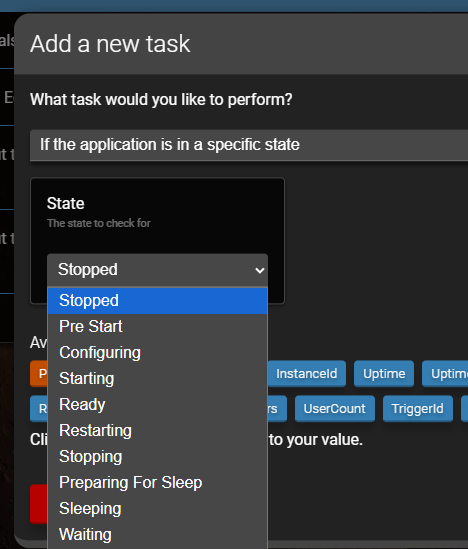
In the next update, hovering your mouse over the variables gives you a description. There’s also a special “If” for the application being in a specific state that has a drop down of the states.