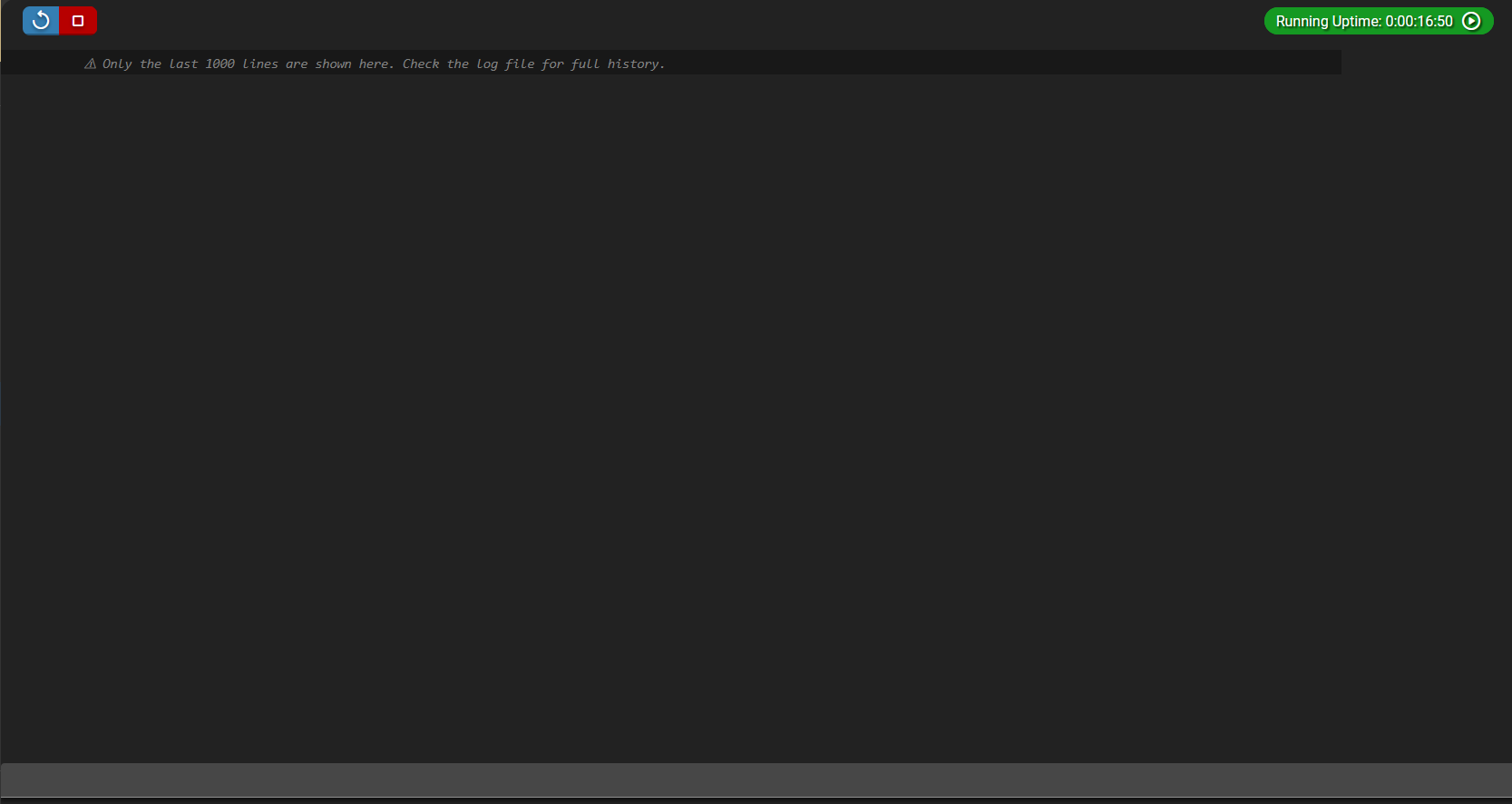
Subject: Feature request / bug: AMP Console should load previous log history (not only new lines after opening)
OS Name/Version: Ubuntu 24.04
Product Name/Version: AMP Release “Phobos”
v2.6.5.2, built 28/01/2026 16:00
Instance type: samp/open.mp
Problem Description:
When I open an instance’s Console in the AMP web UI, it only shows log output generated after I opened the Console tab. If the server has been running for a while, the Console does not display earlier log history, so I can’t review what happened before I opened the page (unless I manually open the log file on disk).
Expected behavior / requested improvement:
Please add an option for the Console to load log history on open, e.g. “Load last N lines on connect” (configurable) and/or a “Load earlier” button that fetches older log entries from the instance log file. This would make Console usable for troubleshooting without needing to leave AMP to check log files.
Steps to reproduce:
Step 1: Start an instance and let it run for some time (generate log output).
Step 2: Close the browser / don’t keep the Console tab open.
Step 3: Open AMP → open the instance → open Console.
Step 4: Observe that earlier log lines are not shown; only new output appears after the Console is opened.
Actions taken to resolve so far:
Looked for a setting to load Console scrollback/history but couldn’t find one.
Verified that older log lines exist in the instance log files, but they aren’t loaded into the Console view.