System Information
| Field | Value |
|---|---|
| Operating System | Win 11 Pro using Docker Desktop |
| Product | AMP ‘Proteus’ v2.8.0.0 (Mainline) |
| Virtualization | Docker |
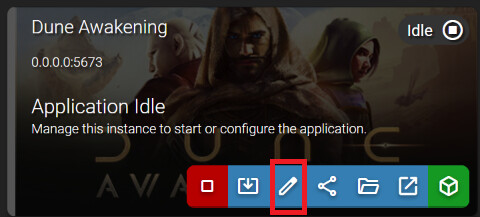
| Application | Dune Awakening |
| Module | GenericModule |
| Running in Container | Yes |
| Current State | Updating |
Task
Setting up Dune Awakening Server on Windows
Problem Description
Issue
Extract from the Console
[prestart] [INFO] Pre-start setup: success.
[postgres] [INFO] Starting Postgres on 127.0.0.1:15432…
[postgres] [INFO] starting postgres
[postgres] [INFO] Postgres ready: success (pid 522)
[migrate] [INFO] Running Funcom DB migrations (Database/Upgrade/*.sql)…
[migrate] DO
[migrate] [INFO] DB-command timeout set to 3600s (Funcom default: 600s)
[migrate] [INFO] still working — 0m 30s elapsed, latest: (idle)
[migrate] [INFO] still working — 1m 0s elapsed, latest: (idle)
[migrate] [INFO] still working — 1m 30s elapsed, latest: (idle)
[migrate] [INFO] still working — 2m 0s elapsed, latest: (idle)
[migrate] [INFO] still working — 2m 30s elapsed, latest: (idle)
[migrate] [INFO] still working — 3m 0s elapsed, latest: (idle)
[migrate] [INFO] still working — 3m 30s elapsed, latest: (idle)
[migrate] [INFO] still working — 4m 0s elapsed, latest: (idle)
[migrate] [INFO] still working — 4m 30s elapsed, latest: (idle)
This will run until it times out at 3600s
Reproduction Steps
- Create server
- Start up server
- Reset system