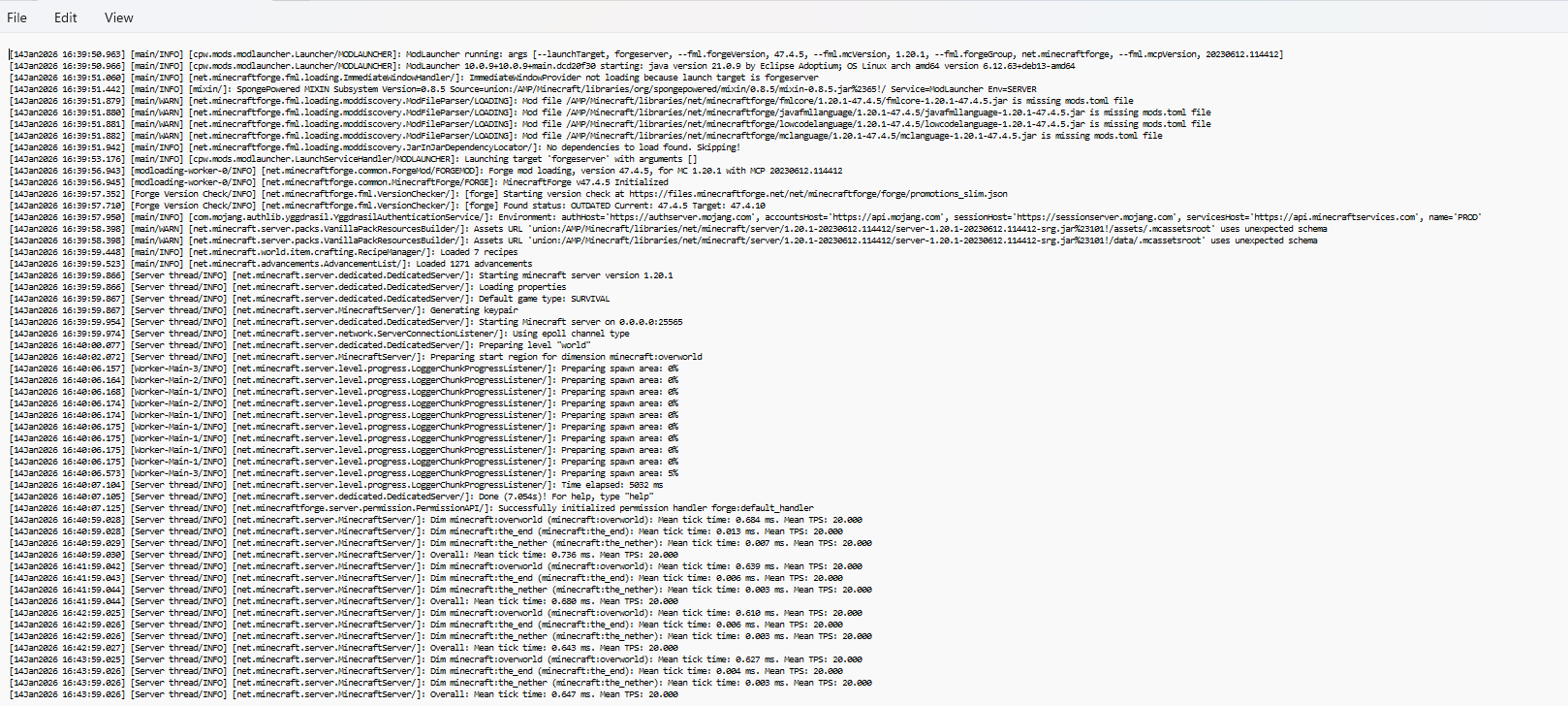
Trying to join a modded server. The server is running and I’m using the same pack, but I can’t join. It doesn’t even list the server as online in the list.
Reproduction Steps
Don’t even know what to try.
Tried googling, didn’t find anything useful
Firewalls aren’t reporting blocking anything
Tried turning off mods, error persists
Tried turning off the server’s firewall, error persists
Realised you probably meant the Latest log from my end. I can’t embed two files as a new member, so here is a copy paste of the part of the log that seemed most relevant.
[13:28:59] [Render thread/INFO]: Connecting to srv1263944.hstgr.cloud, 25565
[13:29:20] [Server Connector #1/ERROR]: Couldn’t connect to server
io.netty.channel.AbstractChannel$AnnotatedConnectException: Connection timed out: getsockopt: srv1263944.hstgr.cloud/[2a02:4780:f:92e3:0:0:0:1]:25565
Caused by: java.net.ConnectException: Connection timed out: getsockopt
at sun.nio.ch.Net.pollConnect(Native Method) ~[?:?]
at sun.nio.ch.Net.pollConnectNow(Net.java:672) ~[?:?]
at sun.nio.ch.SocketChannelImpl.finishConnect(SocketChannelImpl.java:946) ~[?:?]
at io.netty.channel.socket.nio.NioSocketChannel.doFinishConnect(NioSocketChannel.java:337) ~[netty-transport-4.1.82.Final.jar%23128!/:4.1.82.Final]
at io.netty.channel.nio.AbstractNioChannel$AbstractNioUnsafe.finishConnect(AbstractNioChannel.java:334) ~[netty-transport-4.1.82.Final.jar%23128!/:4.1.82.Final]
at io.netty.channel.nio.NioEventLoop.processSelectedKey(NioEventLoop.java:776) ~[netty-transport-4.1.82.Final.jar%23128!/:4.1.82.Final]
at io.netty.channel.nio.NioEventLoop.processSelectedKeysOptimized(NioEventLoop.java:724) ~[netty-transport-4.1.82.Final.jar%23128!/:4.1.82.Final]
at io.netty.channel.nio.NioEventLoop.processSelectedKeys(NioEventLoop.java:650) ~[netty-transport-4.1.82.Final.jar%23128!/:4.1.82.Final]
at io.netty.channel.nio.NioEventLoop.run(NioEventLoop.java:562) ~[netty-transport-4.1.82.Final.jar%23128!/:4.1.82.Final]
at io.netty.util.concurrent.SingleThreadEventExecutor$4.run(SingleThreadEventExecutor.java:997) ~[netty-common-4.1.82.Final.jar%23123!/:4.1.82.Final]
at io.netty.util.internal.ThreadExecutorMap$2.run(ThreadExecutorMap.java:74) ~[netty-common-4.1.82.Final.jar%23123!/:4.1.82.Final]
at java.lang.Thread.run(Thread.java:840) ~[?:?]
Could be any number of issues but is almost certainly networking if you can’t even ping the server as online. Check its status at https://mcsrvstat.us. Does that say it’s online? If not you likely haven’t port forwarded/tunneled correctly.