I can not log into an Enshrouded Server from outside my home network unless I first log into the game from my home network. Only then will it become visible thru the server list.
Reproduction Steps
Log into Enshrouded
Click to join servers
Server does not show up in Favorites list unless I log in from my home network first.
Still having the issue. I know what the problem is, but I can not get the enshrouded_server.json to keep my information. Under server IP it is listed as 0.0.0.0. I need to change this to my internal server IP, but once I change this and restart, AMP overrides it and changes it back to 0.0.0.0.
Enshrouded is really picky with your server IP for outside connections.
mine is currently set to 0.0.0.0 and works fine. From what i’ve been able to tell, you have to make changes to the config through the Configuration Menu, not in the file directly.
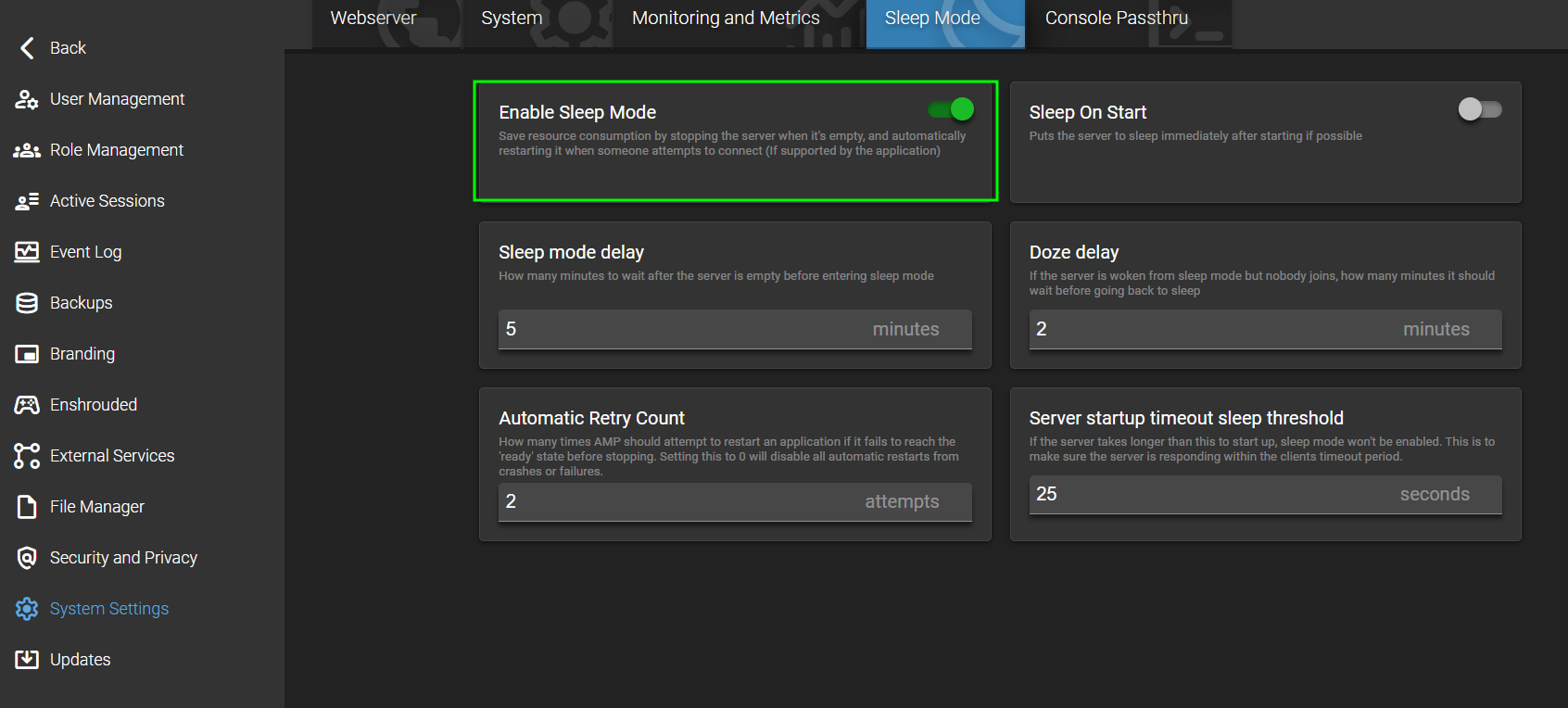
Do you have Enable Sleep Mode enabled in System Settings? I’ve had issues with this while enabled.
No I don’t. The problem I’ve had is, if I’m not logged on, then no one else can see the server. I can log on thru Steam and once I’m in, others can join.
Just to be sure, you have the ports forwarded on your router to the device hosting the amp/enshrouded server? I was googling and it almost sounds like this… if I understand your friends may not be connecting directly to the server but being routed through the “steam with friends” or whatever the terminology is.