System Information
| Field | Value |
|---|---|
| Operating System | Linux - Debian GNU/Linux 13 on x86_64 |
| Product | AMP ‘Proteus’ v2.8.0.8 (Mainline) |
| Virtualization | Docker |
| Application | Palworld |
| Module | GenericModule |
| Running in Container | Yes |
| Current State | Stopped |
Problem Description
Issue
AMP’s GenericModule for Palworld always rewrites PalWorldSettings.ini from its internal
config database on every server start, overwriting any manually or externally placed
version of the file. This makes it impossible to use configs produced by external tools
(community settings generators, configs imported from another host, or values for newly
added game settings that AMP’s UI hasn’t exposed yet) without manually re-entering every
single field by hand.
I understand AMP currently treats its own stored config as the single source of truth,
and that re-entering values through the Configuration page is the current workaround.
That is not what I’m asking for here. I’m a paying license holder and I’m not writing
this ticket to be pointed to a single existing workaround — I’d like to understand what
CubeCoders’ actual plan is to address this gap, and what options are being considered,
such as:
- A supported “Import Config” action that reads an existing PalWorldSettings.ini (or
pasted key/value pairs) and writes those values into AMP’s own config store, so the
imported config becomes authoritative going forward instead of being discarded on the
next start. - Exposing this through the existing API (e.g. Core.SetConfigs) with documented config
node names per title, so imports can be scripted without reverse-engineering node names
from browser dev tools. - Progress on the related long-standing feature request App.ConfigImporting
(CubeCoders/AMP#610), which covers this same need.
Please let me know the current status/roadmap on this, or point me to where this is
being tracked.
Reproduction Steps
- Generate or edit PalWorldSettings.ini outside of AMP (e.g. using a third-party settings generator, or to apply a newly added game setting that isn’t yet exposed in AMP’s GUI).
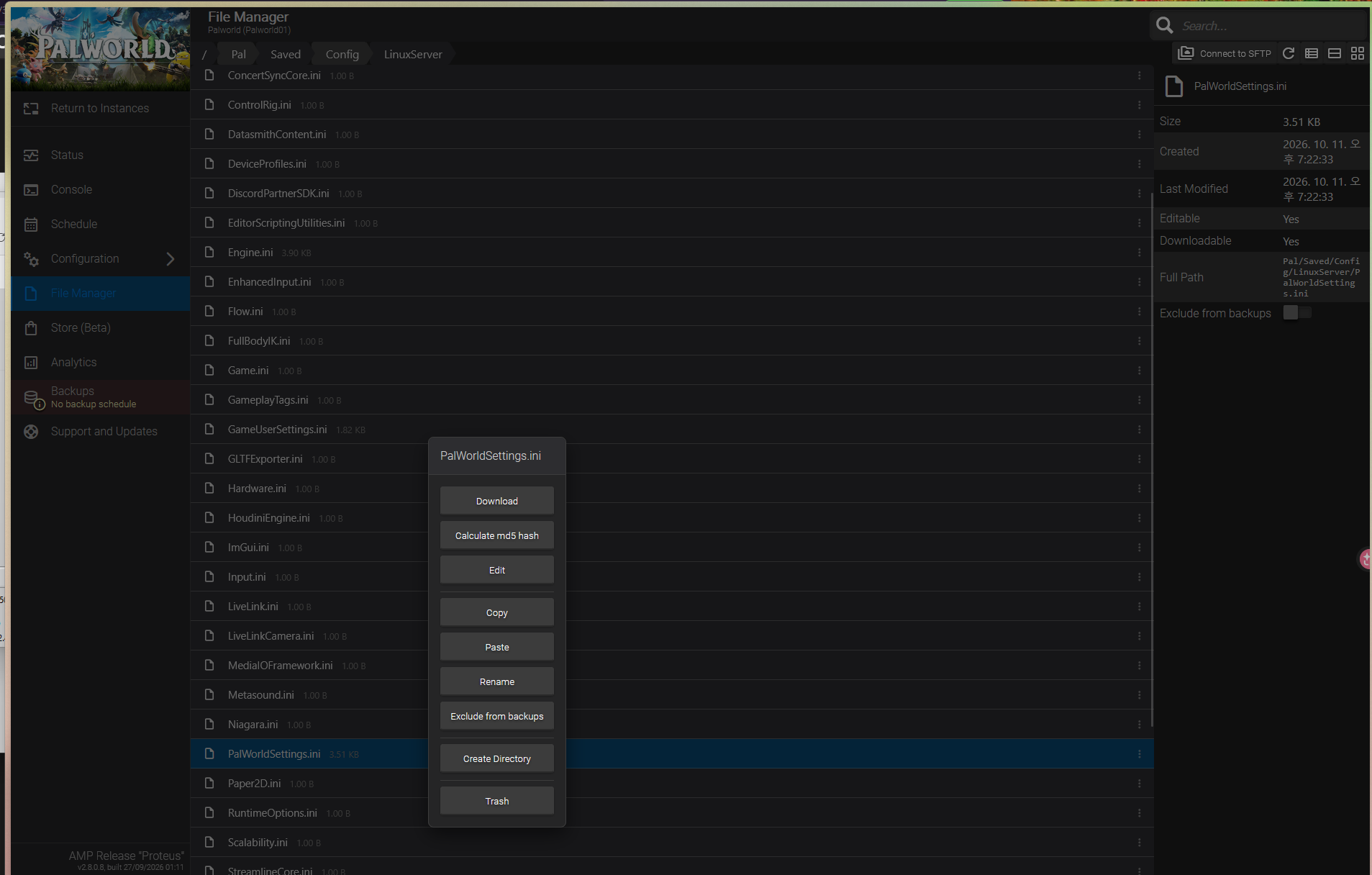
- Replace the active config file at Pal/Saved/Config/LinuxServer/PalWorldSettings.ini with this externally edited version.
- Start/restart the Palworld instance through AMP.
- eopen the config file (or check in-game) and observe that AMP has regenerated it from its own stored GUI values, discarding all externally made changes.