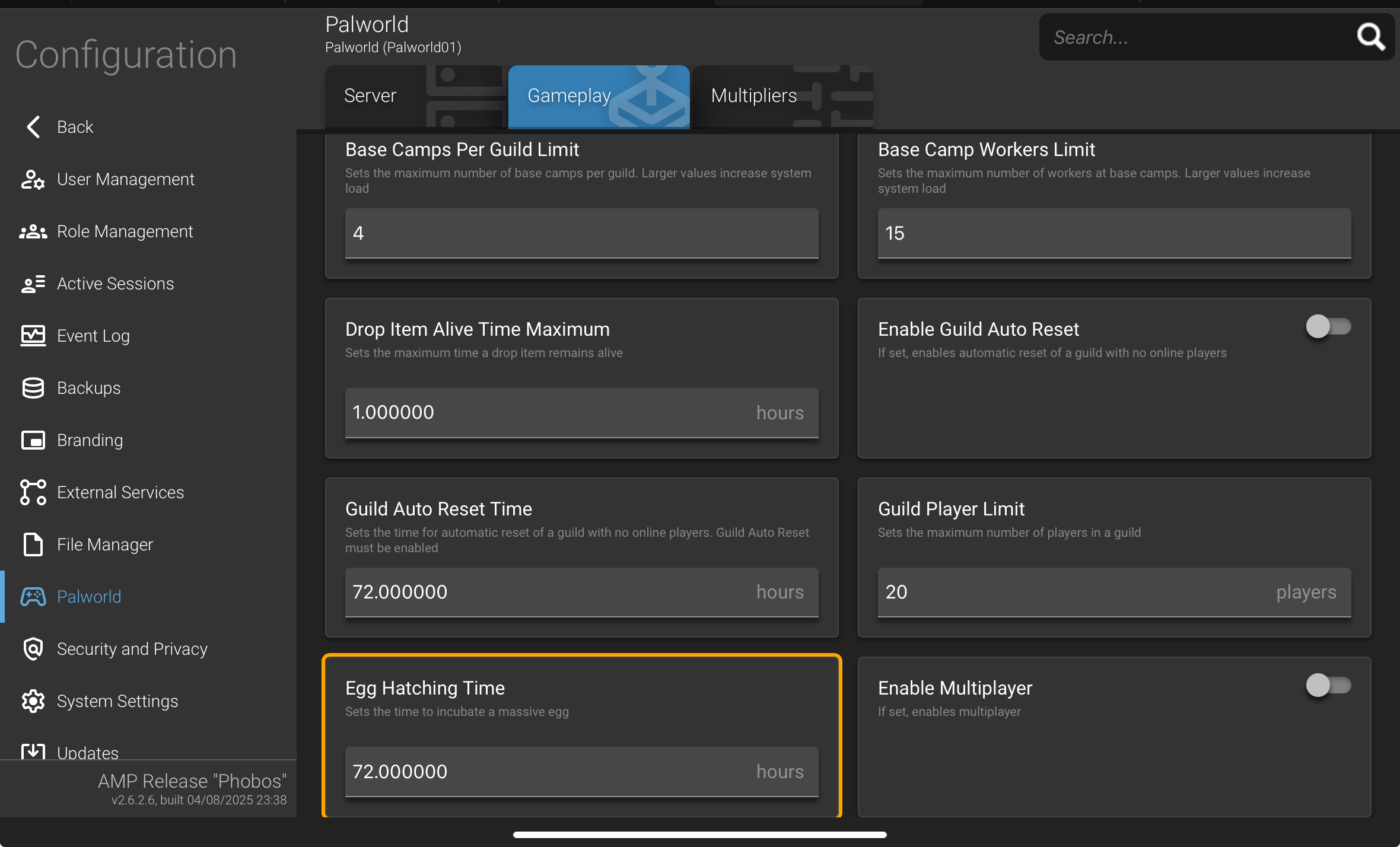
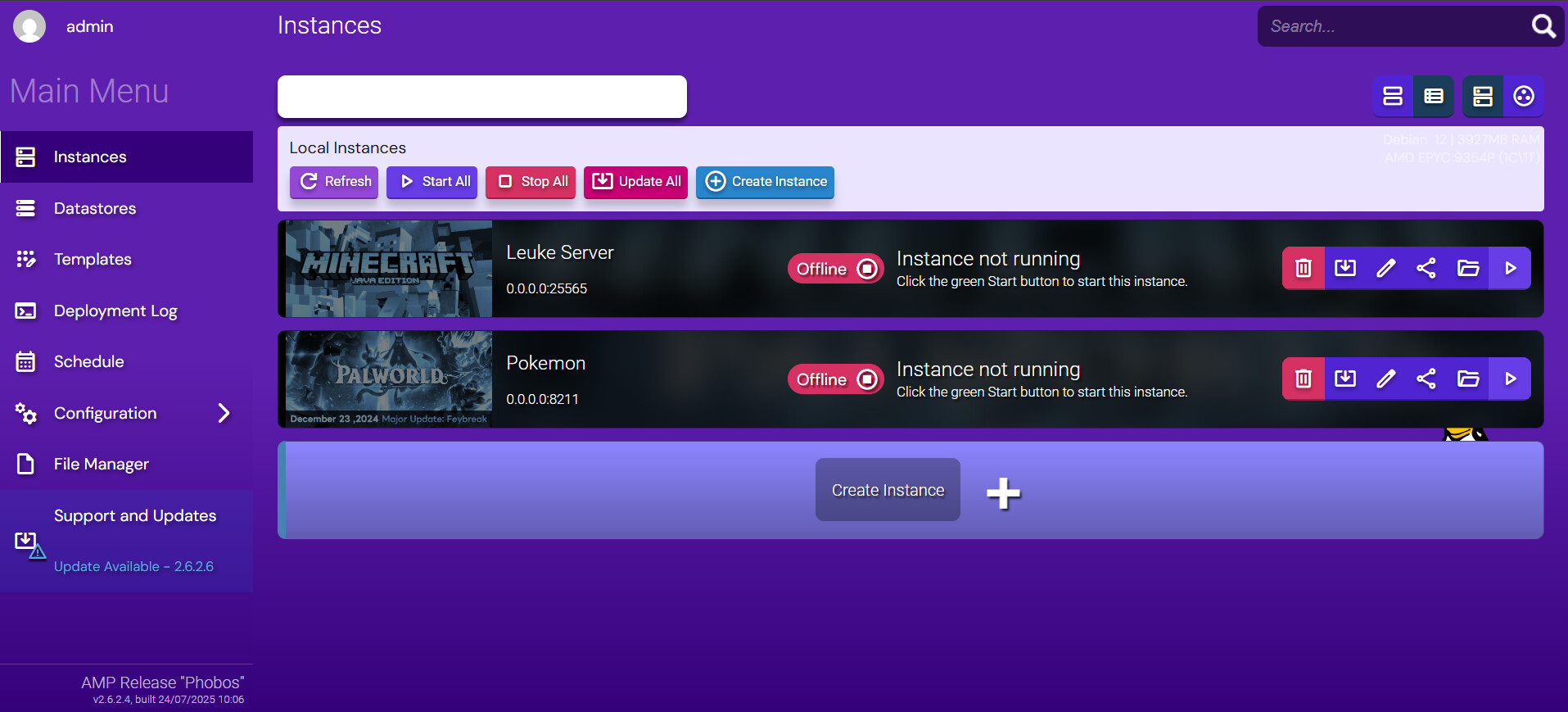
Everytime I change something in our server files. It doesn’t apply the changes when you start up the server again. In this instance, i cannot change the time the Palworld eggs will take to incubate. Which takes too long by default. When I change it’s value from 72.00 to 0. It should take no time to incubate. But when I change the value to 0, the next time I start the server the value 0 automatically reverts into 72.00. Please help in this. I tried a lot of steps.
Reproduction Steps
I adjusted the setting in the PalWorldsettings.ini config map
I adjusted the PalEggDefaultHatching time to 0.5 in the PalWorldSettings.ini file map
I adjusted the Default settings in the 234109 map in the palworld config map. Changed the value of PalDefaultEggHatchingtime from 72.00 to 0.
Although I already found the right setting. But when I change the right setting succesfully and restart the server, it reverts and does not come through. E.g. I adjusted the PalEggDefaultHatching time from 72.00 to 0.00 in the right file map. It seemed to process the change in the file map.
Then I restart the Palworld server and the changes don’t come through. When i close the server and check again. The value that I changed to 0, has reverted back automatically to the original 72.
I dont know if this is a bug or if there is anything that I can do about it. Do you have a solution?
In the AMP panel, manage your Palworld instance (double click on it or click the green arrow, then the green cube). Click on the Configuration menu on the left. Click on Palworld. The settings are there
As I said also, in the top right in the AMP panel there is a search box
But what I am describing is already in the Configuration menu of my own Palworld server panel on AMP. The what I think bug is something that is in the configuration settings.
Oh, but where do I change the setting to reduce the incubation time on eggs in the config settings than? Because I found a setting that looked like it in 2 different file maps. So I’m confused. FYI I am not very good at this configurating stuff, pretty new