Update the IP address shown for each instance on the Instances page
Problem Description
Issue
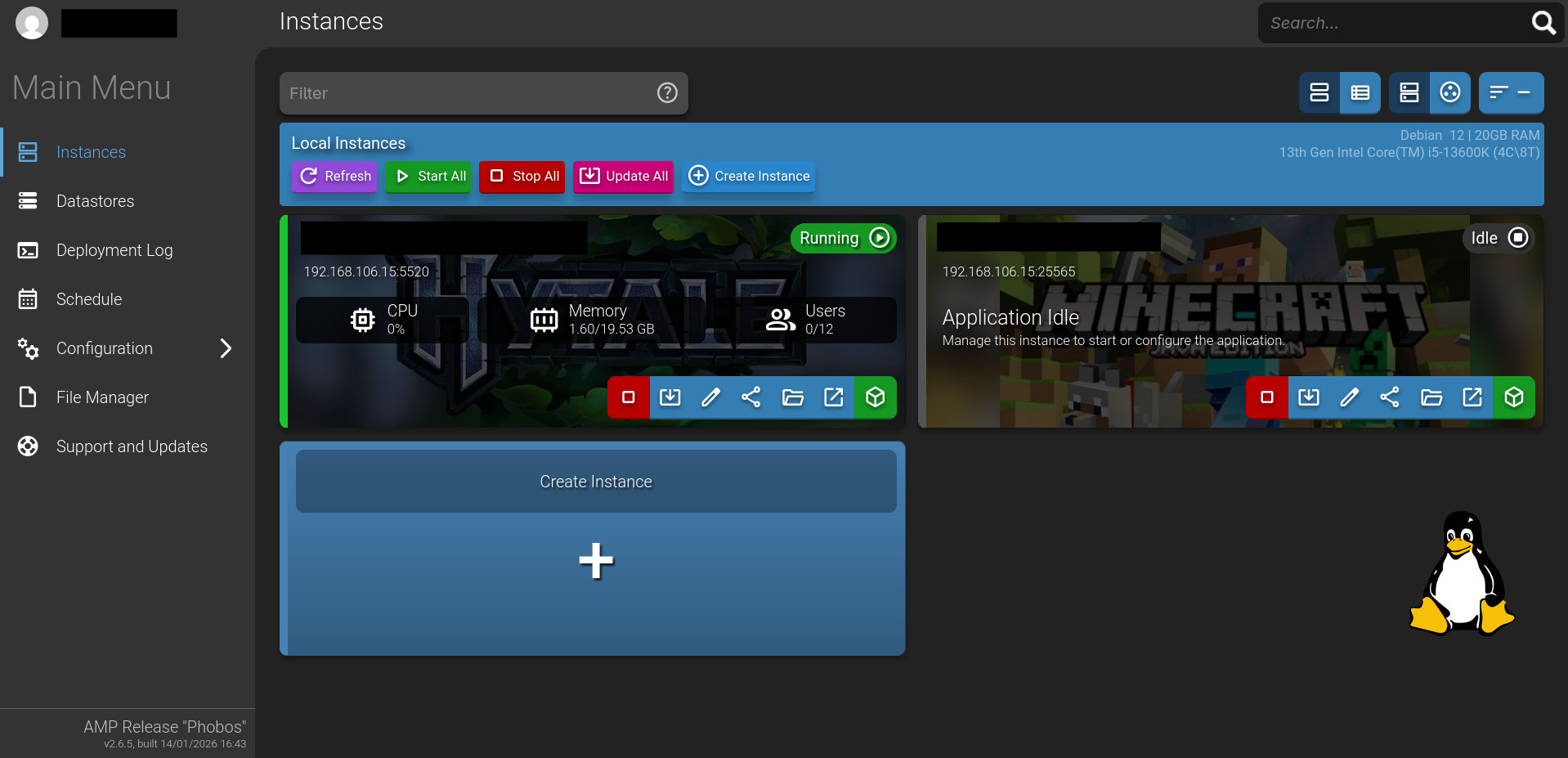
I changed the IP address of my host via DHCP reservation and now the Instances page still shows the old IP for each game instance. I had to run several CLI commands to get them to start up at all after the change. They’re running and accessible on the expected IP:port but the web interface still shows the old IP. I’ve tried binding them to specific IPs, updating the AMPConfig file manually, clearing browser cache, rebooting, etc. I ran the reactivateall, rebind, reconfigure, repairauth and possibly other commands that I don’t recall.
Does your system have multiple NICs? With the exception of srcds based games, AMP instances should have their games listening on 0.0.0.0 rather than a specific IP.
Have you shut down AMP since changing the IP address of the host?
Just one NIC. I have set the instances to listen on 0.0.0.0 but it doesn’t change the IP address that is shown. I have rebooted my AMP host multiple times.
I used both the command and web UI. ampinstmgr status shows 0.0.0.0 with the web UI ports. I’ll attach a screenshot of the web UI showing the old IP address and game ports to make sure it’s clear what I’m talking about. 192.168.106.12 is the previous IP address of the host.
Tried that previously and again just now. The value shown on the instances page never changes. Also, the Primary Endpoint value when I go to each instance also shows the old IP.