System Information
| Field | Value |
|---|---|
| Operating System | Linux - Debian GNU/Linux 12 on x86_64 |
| Product | AMP ‘Phobos’ v2.6.5.2 (Mainline) |
| Virtualization | ProxmoxLXC |
| Application | Application Deployment |
| Module | ADSModule |
| Running in Container | No |
| Current State | Indeterminate |
Task
log into AMP with previously working OIDC
Problem Description
Issue
After updating to “AMP ‘Phobos’ v2.6.5.2 (Mainline)” i suddenly became unable to authenticate using my previously working OIDC.
When i visit the domain AMP runs on i get redirected to my SSO provider as expected, but when i complete the login in the SSO and get directed back to AMP i get the following error:
Login Failed
“Invalid Username or password OIDC authentication is not available - no licence present that permits this feature.”
I use the Advanced edition license so i should be good.
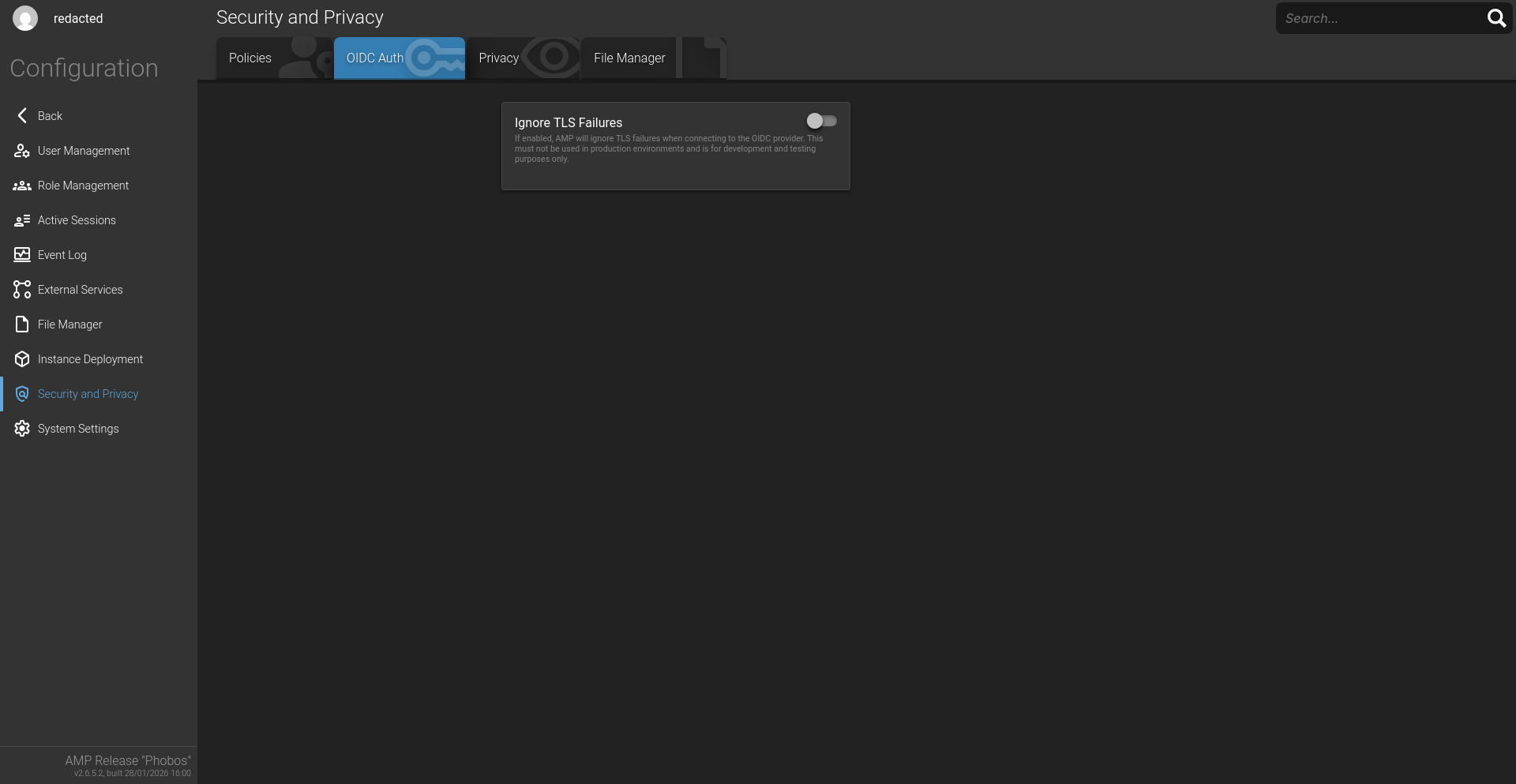
Additionally, when i do get logged in, using the local account the OIDC tab is essentially missing
Reproduction Steps
- Setup OIDC on older version (current at the time)
- update to “AMP ‘Phobos’ v2.6.5.2 (Mainline)”
- Try to log into your AMP instance with OIDC