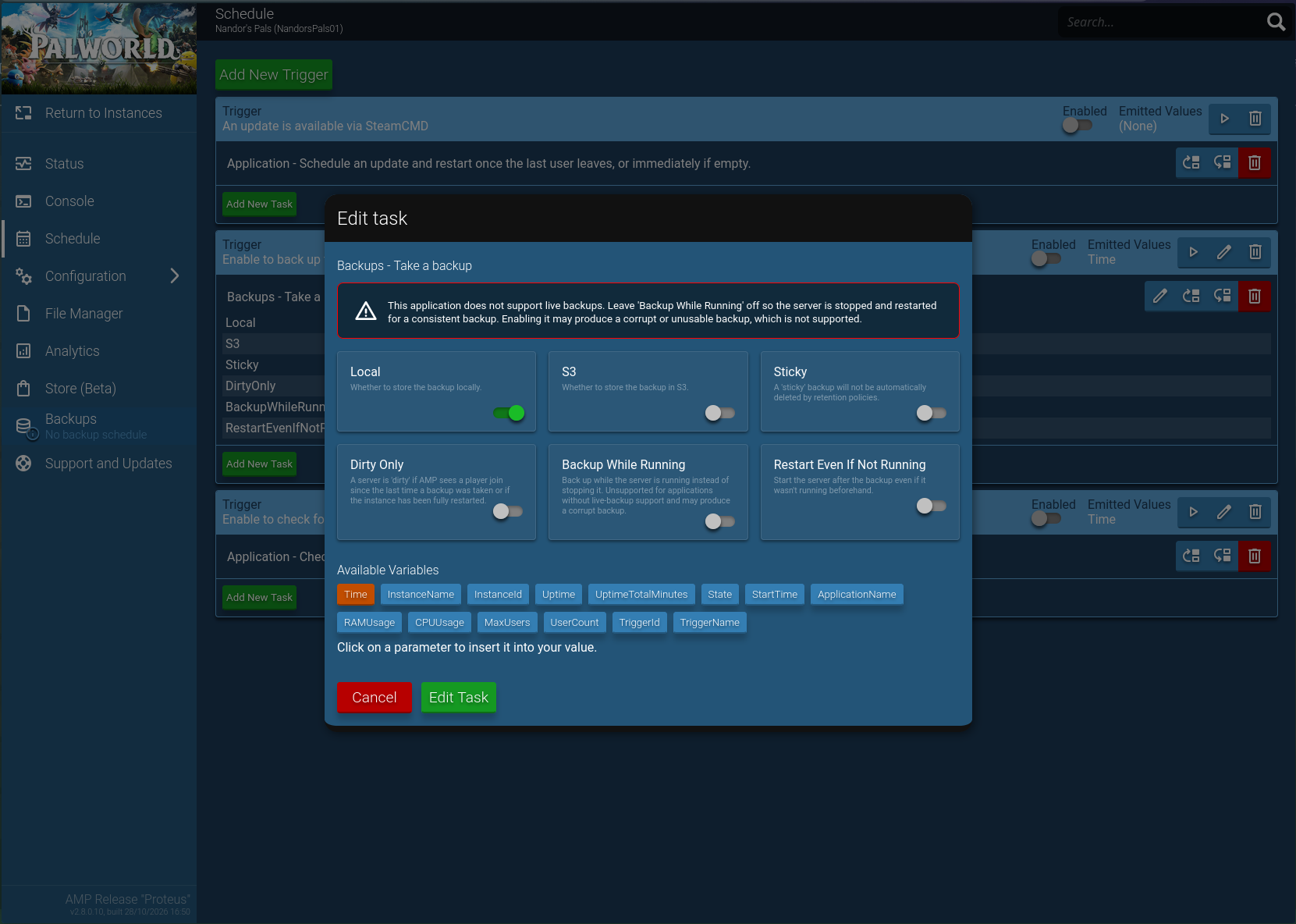
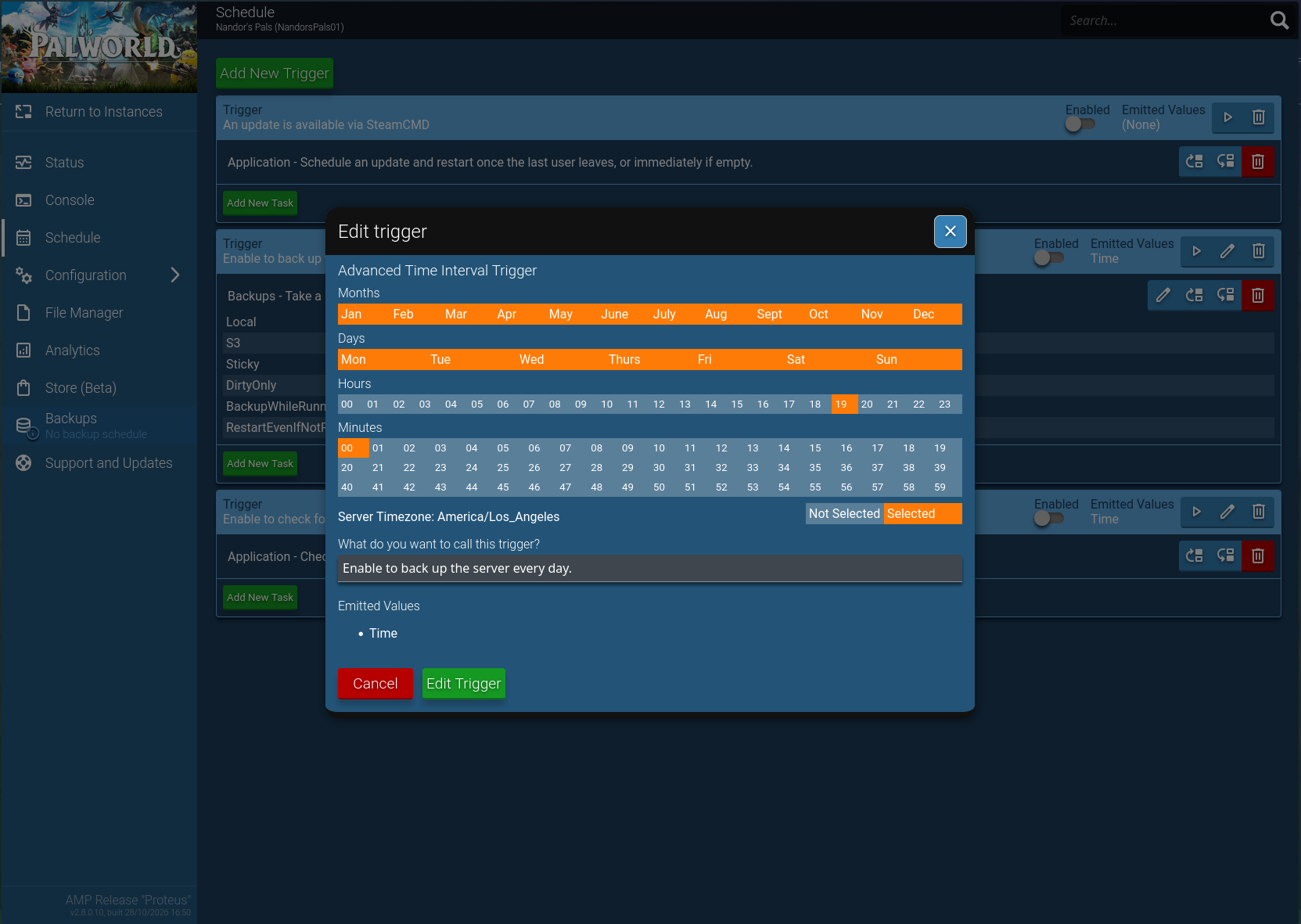
Problem Description: I have AMP configured to stop Palworld, take a backup, and start back up daily. Most days the startup fails for some reason and simply going into the instance and clicking the Start button works to start it back up.
Steps to reproduce:
Install Palworld
Configure automatic backups on a schedule
Wait for scheduled backup to run and see if the server starts or fails afterwards.
Actions taken to resolve so far: Tried updating the template in case there were a bug with it, no change.
Ok, this is unrelated to backups. My Palworld server crashed, AMP tried to restart twice and failed, but I can load the AMP web UI, go into the Palworld instance, click Start, and it starts immediately without issue.
At this point this looks like a Palworld bug and not an AMP issue?
Failed to find symbol file, expected location:
"/AMP/palworld/2394010/Pal/Binaries/Linux/PalServer-Linux-Shipping.sym"
LowLevelFatalError [File:C:/works/Pal-UE-App/Source/PalEngine/PalGameEngine.cpp] [Line: 42]
Detected negative delta time - DeltaTime:-0.023111 FApp::GetDeltaTime : 0.042910 FPlatformTime::Seconds : 350776.342185
[2133:2133:20261103,180011.221016:ERROR elf_dynamic_array_reader.h:64] tag not found
[2133:2133:20261103,180011.224802:ERROR file_io_posix.cc:145] open /sys/devices/system/cpu/cpu0/cpufreq/scaling_cur_freq: No such file or directory (2)
[2133:2133:20261103,180011.224819:ERROR file_io_posix.cc:145] open /sys/devices/system/cpu/cpu0/cpufreq/scaling_max_freq: No such file or directory (2)
[2133:2133:20261103,180011.226673:ERROR file_io_posix.cc:145] open /AMP/palworld/2394010/Pal/Saved/Logs/Pal.log: No such file or directory (2)
[2133:2133:20261103,180011.226683:ERROR crash_report_exception_handler.cc:284] attachment /AMP/palworld/2394010/Pal/Saved/Logs/Pal.log couldn't be opened, skipping
Signal 11 caught.
Malloc Size=262146 LargeMemoryPoolOffset=262162
Malloc Size=131160 LargeMemoryPoolOffset=393352
Malloc Size=131160 LargeMemoryPoolOffset=524536
CommonUnixCrashHandler: Signal=11
Engine crash handling finished; re-raising signal 11 for the default handler. Good bye.
[02:00:11] [System:gs Warning/43] : The application stopped unexpectedly. Exit code 139
[02:00:11] [System:gs Warning/43] : Application failed to start 2 times, not restarting.
[03:17:00] [System Info/42]       : Checking for AMP updates...
[03:17:00] [System Info/20]       : AMP is up to date.
[04:22:42] [System Activity/42]   : Authentication attempt for user gs from 127.0.0.1
[04:22:42] [System Activity/42]   : Authentication success
[04:22:43] [System:gs Info/41]    : Checking for AMP updates...
[04:22:43] [API:gs Info/45]       : Generic Module template config version: 23
[04:22:43] [System:gs Info/41]    : AMP is up to date.
And this…
Generating report for minidump

Application version 5.1.1.0
 ... built from changelist 0

OS version Linux 6.12.113+deb13-amd64 (network name: lgs-deb-01)
Running 12 x86_64 processors (12 logical cores)
Exception was "SIGSEGV: invalid attempt to write memory at address 0x0000000000000003"

<SOURCE START>
<SOURCE END>

<CALLSTACK START>
PalServer-Linux-Shipping!UnknownFunction(0x75e46cd)
PalServer-Linux-Shipping!UnknownFunction(0x543466d)
PalServer-Linux-Shipping!UnknownFunction(0x770dcfa)
PalServer-Linux-Shipping!UnknownFunction(0x7576ca4)
PalServer-Linux-Shipping!UnknownFunction(0xa86ef7e)
PalServer-Linux-Shipping!UnknownFunction(0x41c5504)
PalServer-Linux-Shipping!UnknownFunction(0x41c6399)
PalServer-Linux-Shipping!UnknownFunction(0xad10e7f)
libc.so.6!UnknownFunction(0x29ca7)
libc.so.6!__libc_start_main(+0x84)
PalServer-Linux-Shipping!UnknownFunction(0x41c4028)

<CALLSTACK END>

0 loaded modules

Report end!